Questions, answered
What kinds of patterns can I use with Stitchwork?
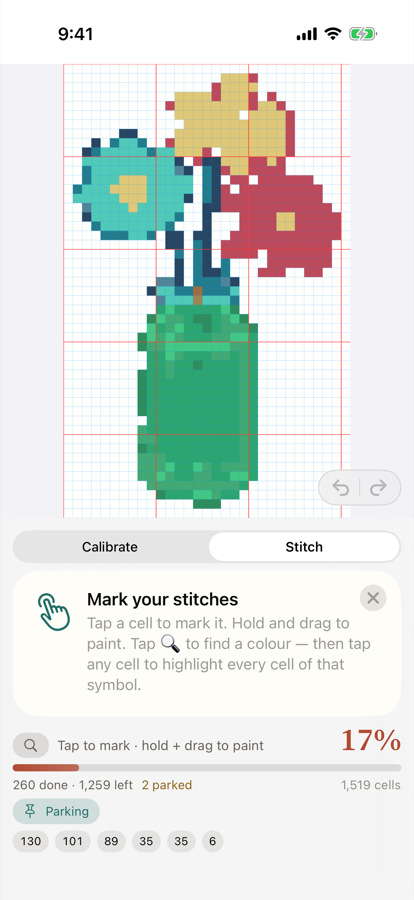
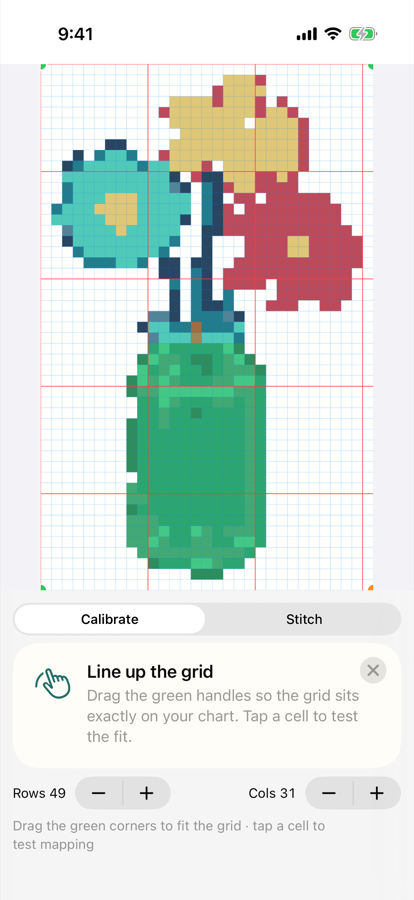
Stitchwork is built for cross-stitch charts you own — your purchased PDF patterns from designers and shops like Etsy, or your own charts. Import works best with modern vector PDFs, where Stitchwork can auto-detect the grid, symbols, and color key. If a chart doesn't parse cleanly, you're never stuck: a guided overlay lets you line up the grid yourself and correct it by hand, so any chart you own becomes a markable grid. Photo and image imports are supported as a fallback. Please only import patterns you've purchased or have the rights to use.
Can I use my “Pattern Keeper compatible” charts on iPhone or iPad?
Yes. Charts sold as “Pattern Keeper compatible” open in Stitchwork, and on most modern PDF charts their symbols and color key are read automatically, so you can mark stitches, highlight symbols and track your floss on iPhone and iPad. Stitchwork is an independent app and isn't affiliated with Pattern Keeper. See what to expect on iPhone and iPad.
Who owns my patterns and progress?
You do, completely. Your imported charts and your stitch progress are yours and live in your own iCloud account. We don't host your patterns on our servers, and we never claim any ownership of the charts you import. Stitchwork is just the tool you use to track them.
Can you see my patterns or my stitches?
No — we never see your patterns or your stitches. They stay in your own iCloud (Apple's CloudKit), synced between your devices, not on our servers. To be fully transparent: the app does send anonymous crash reports so we can find and fix bugs. Those reports contain diagnostic information only — never your charts, your progress, or anything that identifies you.
How does the "never lose a stitch" sync actually work?
Every stitch you mark is tracked per-cell and merged rather than overwritten. When two devices have changes — say you stitched on your iPad on the couch and your iPhone in the car — Stitchwork combines both sets of marks instead of letting the newer device wipe out the older one. That's the core promise: your progress merges, it doesn't get clobbered. Sync runs through your own iCloud and depends on Apple's CloudKit, so it works as-is subject to your iCloud being signed in and available; but the design goal, every session, is that no completed stitch is ever lost.
Does it sync between my iPhone and iPad?
Yes. Sign in to the same iCloud account on both, and your projects and progress flow between iPhone and iPad automatically. Mark a few stitches on one, pick up right where you left off on the other. Sync relies on your iCloud account and Apple's CloudKit, so it works as-is depending on your iCloud status and connectivity — but it's built so that, once both devices catch up, your stitches are merged, not overwritten.
Do I need an account, and what does it cost?
No account, no sign-up, no subscription. Stitchwork uses the iCloud you already have on your device. It's a fair one-time purchase of about $12.99 to unlock everything, with no recurring fees — buy it once, it's yours. Your first 3 patterns are free, so you can try it on your own charts before you decide.
What's included in the free version?
Your first 3 patterns are free — full marking, live completion percentage, per-symbol counts, symbol highlight, and the auto floss list all work, so you can really try it on your own charts. The one-time unlock (about $12.99) simply lifts the pattern limit and is yours for good, with no subscription.
Can I track my DMC floss with it?
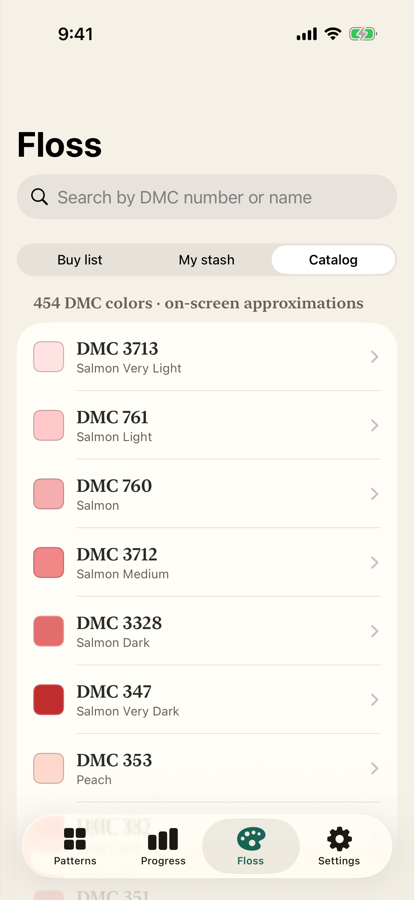
Yes. Stitchwork reads the color key from your chart and builds a floss list automatically, with colors identified by their DMC numbers. There's also a full floss stash: mark what you own versus what you still need, see a combined buy-list across your projects, and browse a DMC catalog with on-screen color swatches. A quick note: those swatches are on-screen approximations of thread colors, not exact matches — always confirm shades against real floss before buying. Stitchwork is not affiliated with or endorsed by DMC; we reference DMC numbers only to identify colors.
How big a pattern can it handle, and will marking stay smooth?
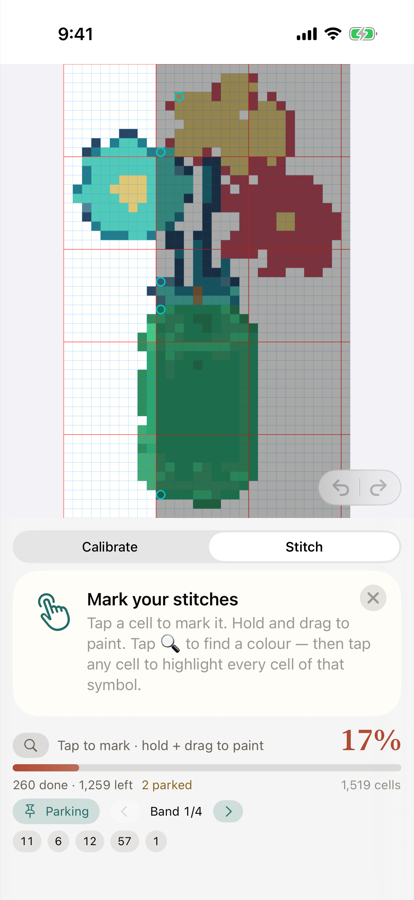
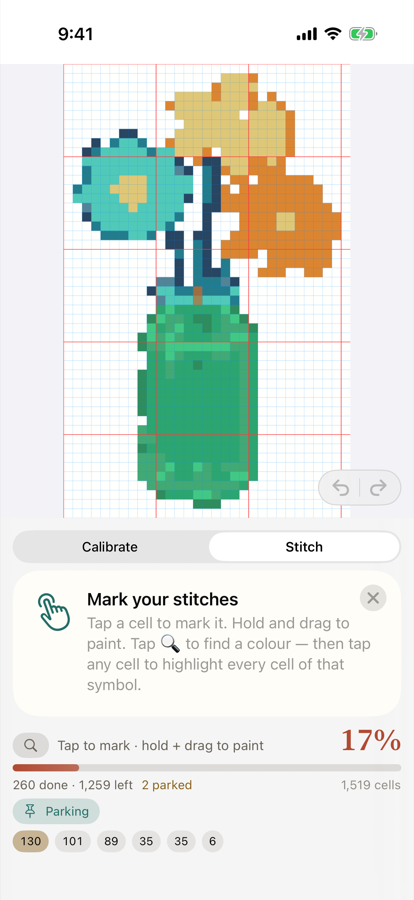
Stitchwork is built for large charts — the grid stays fast and responsive even at 100,000+ cells, so zooming, panning, and tapping stitches feel smooth on big projects. Live completion percentage and per-symbol remaining counts update as you go, and symbol highlight makes it easy to find and work one color at a time.
What happens to my projects if I get a new device or reinstall the app?
Because your projects live in your own iCloud, signing in to the same iCloud account on a new or freshly reinstalled device brings your patterns and progress back. There's nothing to log into in Stitchwork itself — it picks up from iCloud. Restoring depends on your iCloud being signed in and synced, so make sure your devices have finished syncing before you wipe or hand off an old one.
Is Stitchwork still being worked on, and how do I get help?
Yes — Stitchwork is actively maintained by a solo indie developer who stitches, reads the feedback, and ships updates. If something isn't working or you have a request, you can reach out through the support link on stitchwork.app. Real replies, not a black hole.